
How often should you post on TikTok and Instagram
Honest working ranges for TikTok, Reels and Shorts, why the quality floor matters more than the count, and how to space posts across several accounts.
The short answer, before the caveats
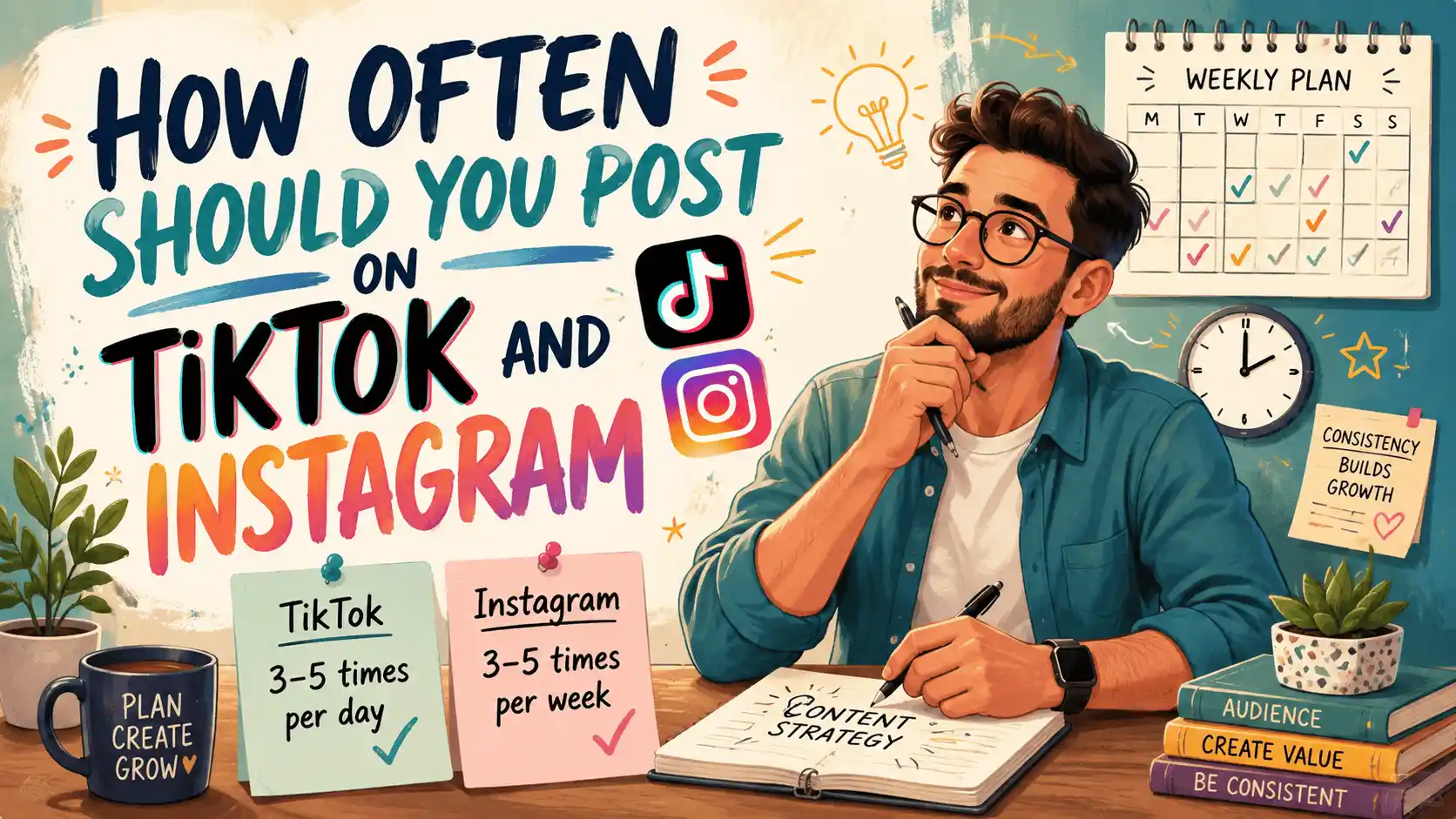
If you just want a number: on TikTok, three to five posts a week is the common working range, with one a day as a sensible ceiling for most people. Instagram Reels sits in the same band, three to five a week, and YouTube Shorts behaves much the same. The gap between TikTok and Instagram is smaller than most guides imply; what differs is the audience, not the arithmetic.
These are practice ranges, not platform rules. No platform publishes a rewarded frequency, and anyone quoting an exact number as documented fact is guessing. What the ranges reflect is what consistent, growing accounts tend to do, observed over time rather than handed down from anywhere official.
The more useful answer is that consistency beats bursts. An account posting three times a week for six months is nearly always in better shape than one posting twice a day for three weeks and then going quiet. So before you pick a number, pick one you can still hit in month four.
Why every guide gives you a different number
Search this question and you will find two camps that flatly contradict each other. One says a handful of posts a week is plenty; the other says daily posting, or even two to three a day, is the only way to grow. Almost nobody explains why the other camp exists.
Both positions are defensible, because they assume different quality floors. If every video you make is genuinely strong, posting daily compounds. If only two videos a week clear that bar, forcing out seven pads your account with clips that hold it back, and the higher number quietly becomes the worse one.
There is also a correlation problem the ranking pages never admit. Accounts that post daily are disproportionately full-time creators and clipping teams with sharper hooks, faster editing and a deeper pile of ideas. Their growth is not a pure frequency effect, so copying their calendar without their quality gets you the workload without the results.
The quality floor, made concrete
Quality over quantity is easy to say and rarely defined, so here is a working definition. A video counts towards your cadence if it opens with a reason to keep watching inside the first two seconds, carries one clear idea, and makes sense to a stranger with no context. If it fails any of those three, it is filler, and filler does not count.
A simpler test: if this were your only post this week, would you still publish it? If the answer is no, you are posting to feed a schedule rather than an audience, and it is worth being honest with yourself about which of the two you are doing.
Nobody can prove that platforms formally punish filler. Your own analytics will, though: weak clips drag down average watch time and completion rate, and those are the signals short-form feeds appear, in practice, to weigh most heavily. Protecting your averages is a better habit than chasing a count.
Ramping up without flooding
A brand-new account should start below the ranges above. Four or five posts a week is plenty while you work out what lands, and it leaves you enough attention to actually read your results. Once a format starts working, ramp up gradually rather than doubling overnight; you learn more from spaced posts than from a pile published together.
Posting two or three times a day is not inherently harmful, and clipping accounts do it routinely, but spacing matters. Leaving a few hours between posts is the common practice, so each upload gets its own window rather than competing with its siblings. Five uploads inside an hour helps nobody.
A related worry is whether a second post smothers the first. There is no public evidence of a fixed penalty, but if the first is still climbing it is reasonable to hold the second for a few hours. As for exact timing, a regular slot mostly keeps you honest; nobody has shown minute-perfect scheduling to matter, so an hour or two either way is fine.
Spacing when you run several accounts
Run more than one account and the question shifts from how often to how far apart. Posting the identical file to five accounts in the same minute is the classic clipper mistake: the accounts compete for the same viewers, and duplicate uploads are commonly treated less generously than distinct ones.
The working approach is to vary and stagger. Give each account its own hook, first frame and caption cut from the same source material, and spread publish times across hours or days rather than minutes. I keep every account's week in a single calendar view in Postelk, mostly so I can spot collisions before they go out rather than after.
Cross-posting one video to TikTok, Reels and Shorts is a different matter entirely. Those are separate audiences, and posting the same clip to all three is normal; just strip any watermark and check the safe zones for each platform before it goes out.
A weekly routine that survives real life
The people who actually hit these numbers rarely film every day; they batch. One filming block a week, followed by one editing and scheduling session, is how a three-to-five-a-week cadence survives a busy month. Daily filming is a hobby schedule, not a working one.
The routine, as prose: block one filming session and outline six to ten hooks before you press record. Film the lot, then cut the takes into clips and caption them while the material is fresh. Write per-platform captions rather than one caption pasted everywhere, then schedule the batch spaced across the week, the way I bulk-schedule mine through Postelk so posts go out whether I am at my desk or not, and leave a slot or two empty for anything topical.
Then repeat, and review the number monthly. If you have missed slots two weeks running, the number is too high, and lowering it is a correction rather than a failure. A cadence you can hold for six months beats an impressive fortnight followed by silence.
Check safe zones, aspect ratios, subtitle timing and publishing copy in your browser—without creating an account.
Browse free tools →