
Instagram carousel sizes and seamless split workflow
Build connected carousel panels that swipe cleanly, stay sharp and still make sense when a viewer lands on a single panel.
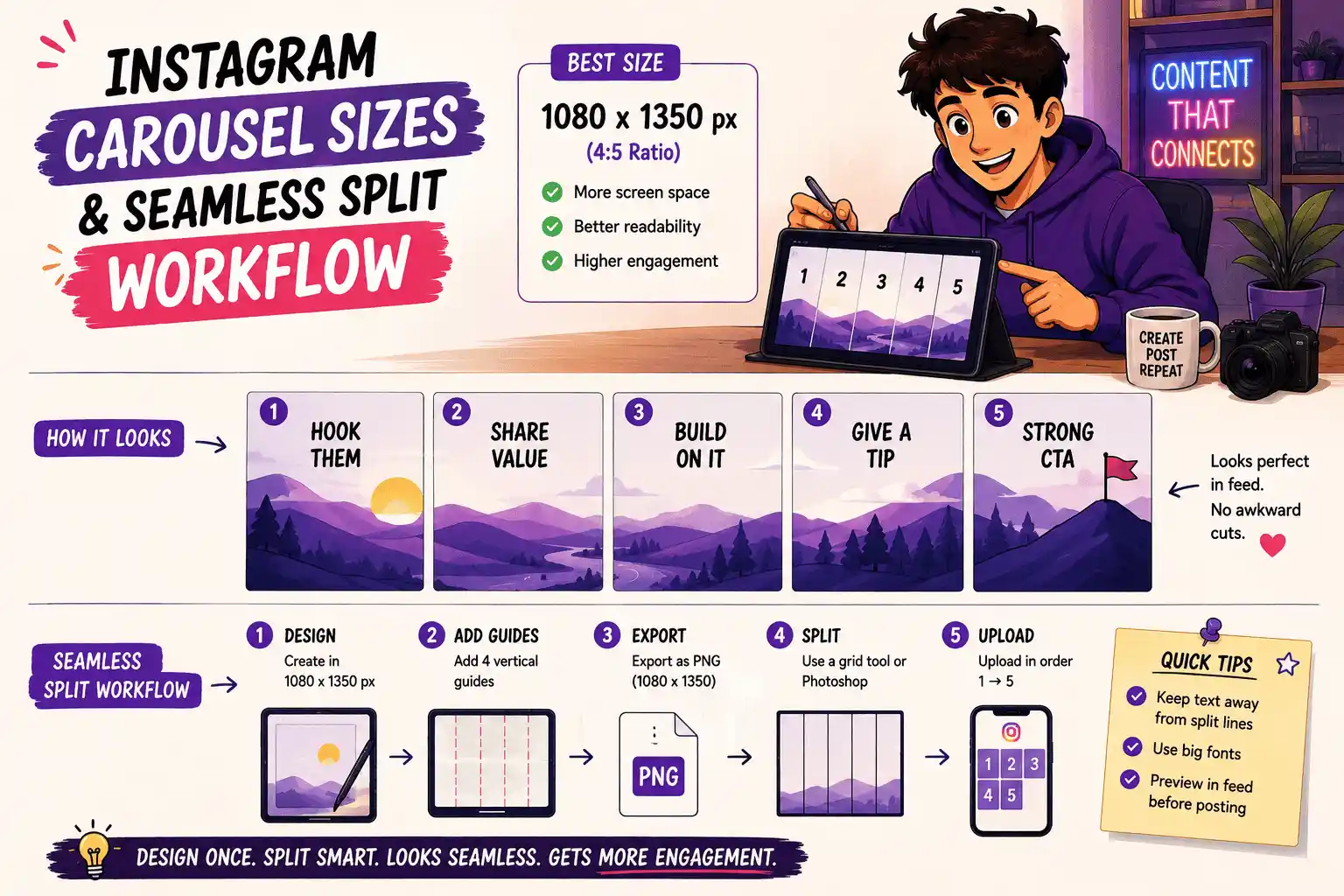
Choose the panel before the panorama
A carousel starts with the size of one panel. Decide whether the content needs a square or portrait card, then multiply that width by the number of panels in the connected design.
Designing one enormous image first and deciding the slice later often leaves text crossing a cut or important subjects split between panels.
Plan every cut line
Add visible guides at every panel boundary. Keep body copy and faces comfortably inside one panel unless the split is deliberate. Background shapes can cross boundaries; small text usually should not.
The first panel must work as a cover. The final panel needs a clear conclusion or action. The panels in between should reward the swipe rather than repeat the same point.
Export without soft edges
Use a high-quality source and export each panel at the target width instead of taking screenshots. A browser canvas can make exact slices without recompressing the whole design through a social app first.
Postelk's carousel splitter takes one panoramic source, divides it into two to ten equal panels and downloads numbered PNG files in posting order.
Avoid the profile-grid trap
The way a post appears inside the profile grid can change separately from the feed presentation. Do not put critical text against the outer edge of the first panel. Preview the cover crop as well as the swipe experience.
Treat platform previews as guidance, then verify a test post when a major campaign depends on exact cropping.
Carousel quality checklist
- One idea per panel
- Preserve a consistent baseline across panels
- Make the swipe direction obvious
- Number the exported files in posting order
- Open every exported image before posting - each card must stand alone
Use one idea per panel, preserve a consistent baseline, make the swipe direction obvious, number files in order, and open the exported images before posting. A connected panorama is useful only when every individual card remains legible.
Check safe zones, aspect ratios, subtitle timing and publishing copy in your browser—without creating an account.
Browse free tools →