
Why is my TikTok not getting views? The 0 to 200 plateau
Most stuck TikToks were tested, not suppressed. How to tell account problems from content problems, and a seven-day diagnostic to find out which you have.
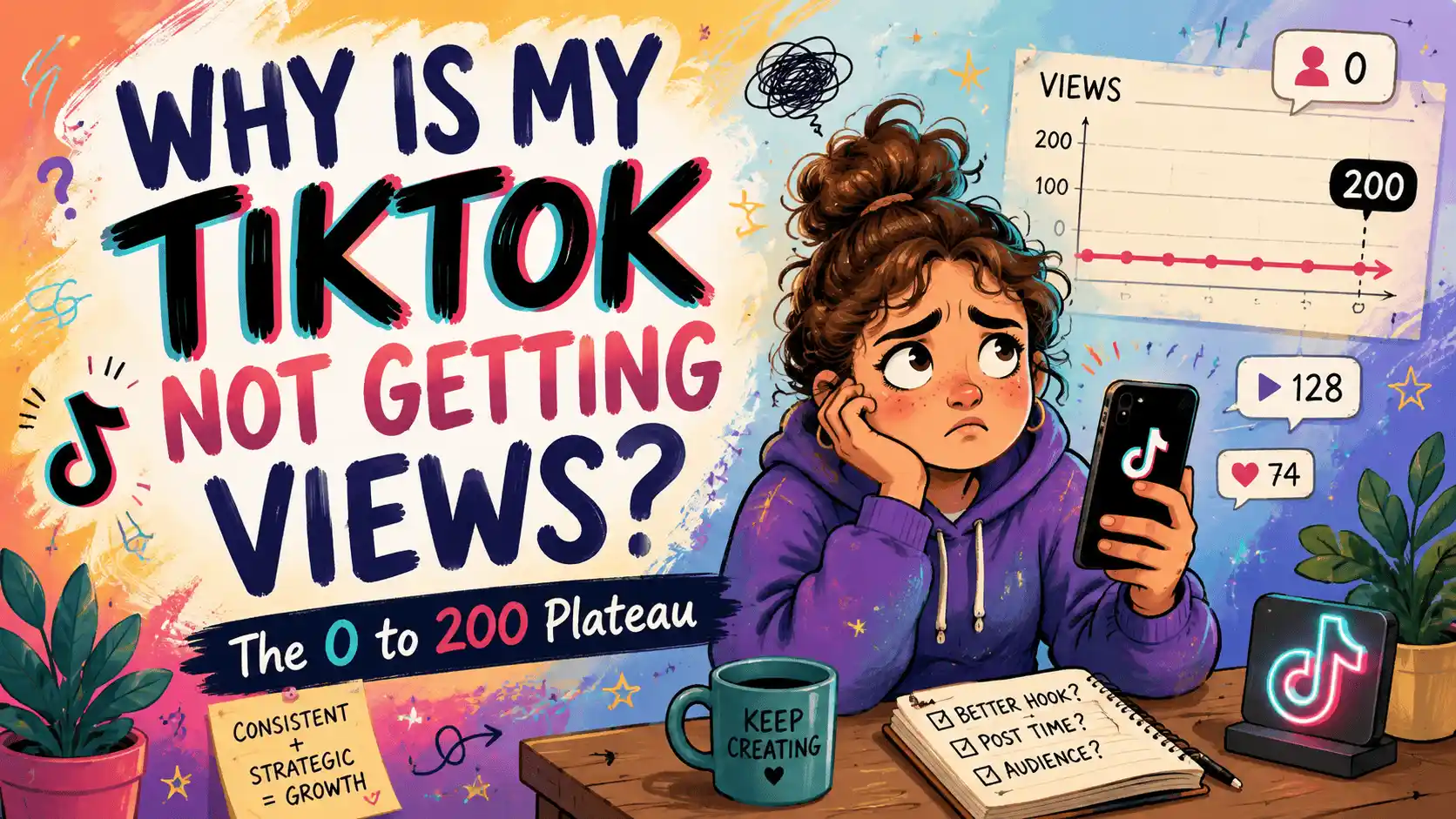
What the 0 to 200 view plateau actually means
If your TikTok is not getting views, the most likely explanation is also the least dramatic one. In practice, TikTok shows every new upload to a small initial batch of viewers, and if most of them swipe away within a second or two, the system stops spending distribution on it. That first test batch commonly lands somewhere between 100 and 300 views, which is why so many videos appear to stall at nearly the same number.
This is not a punishment and it is very rarely a shadowban. It is the platform doing what it does with every single video: test, measure, then decide whether to widen the audience. The useful question is not why TikTok is hiding your video, but which part of the test the video failed.
Before you change anything, work out whether the problem sits with the account or with the content, because the fixes are entirely different. The rest of this piece walks through both, then gives you a week-long test to isolate the fault.
Account problems and content problems are different
Account-level signals drag on every video you post, regardless of quality. A brand-new account, a history of exact duplicate uploads, videos removed for guideline reasons, or activity that looks automated can all mean each upload starts its test from a weaker position.
Content-level signals change from video to video. A weak opening second, low average watch time, or a topic the test batch simply did not care about will sink one upload while the next does fine.
The quickest way to tell them apart is variance. If ten reasonably different videos all die at near-identical numbers, suspect the account. If your views bounce around, ninety here, six hundred there, a couple of thousand once, the account is almost certainly fine and the content is what needs work.
What normal looks like on a new account
New accounts commonly see close to zero impressions for the first few hours after early uploads, and modest numbers for the first week or two. In practice, anywhere from under a hundred to a few hundred views per video at zero followers is unremarkable, and a string of quiet videos in week one is not evidence that anything is broken.
Panic does more damage than the slow start itself. Deleting videos, re-uploading them minutes later, posting ten times in a day, or abandoning the account for a fresh one all look erratic and throw away what little history the account had built.
If the account is days old, spend some time using it the way a normal viewer would: watch, follow, comment sparingly, and post at a steady, human pace. Low views in this period are normal. They only become a real problem when an account with a few weeks of consistent, original posting still cannot get a single video past the first test batch.
Deleting, reposting and exact duplicates
Should you delete a video that flopped and upload it again? Almost never as the same file. Platforms can recognise a re-uploaded duplicate, and in practice the second identical upload performs the same or worse than the first. TikTok has also said publicly that recycled content carrying another platform's watermark is less likely to be recommended, so lifting a video straight out of Reels rarely helps either.
If a video deserved better, re-edit it into a genuinely different cut: a new hook, a different opening frame, tighter pacing, fresh on-screen text. A meaningfully changed version is a new video. A re-export of the same timeline is not, and a folder of exact copies posted across days quietly becomes an account-level signal of its own.
This distinction is the whole reason repurposing works when the edits are genuinely different: a new hook, a tighter cut, different on-screen text. Distinct is what the platforms reward, whether a tool makes the variations or you re-cut by hand.
Watch time, rewatches and the first second
Once account issues are ruled out, nearly everything comes down to how long the test batch watched. Open your analytics and check average watch time and completion rate video by video; those two numbers explain most stalled uploads.
The first second decides the bulk of it. Viewers commonly choose to stay or swipe before your first sentence finishes, so the opening frame needs to show the payoff or the tension straight away, not a logo, a slow zoom, or a request to wait for it.
Rewatches and clean loops carry real weight as well. A short video that loops seamlessly, or makes people scrub back for a detail, tends to travel further than a longer one with a sagging middle. And when watch time is genuinely decent but views stay low, stop operating on that video; some uploads are simply tested against the wrong audience, and the honest fix is consistent volume, not surgery on one clip.
A seven-day diagnostic you can run
- Open account status in settings and look for guideline notices
- Confirm a recent video is visible on its sound or hashtag page from a logged-out device
- If anything is flagged, deal with it first and post nothing today
- Post one new, original video each day at a consistent time
- Keep length, topic and format steady - change ONLY the first two seconds
- Record each video's 24-hour views and average watch time
- Prepare the five videos in advance and schedule them so no day gets skipped
- Five near-identical flatlines despite five different hooks points to an account-level issue - keep posting originals at the same pace and give it another fortnight
- Clear variance means distribution works: your best hook is telling you what to make next
- Either way you now know which problem you actually have
Check safe zones, aspect ratios, subtitle timing and publishing copy in your browser—without creating an account.
Browse free tools →