
YouTube Shorts titles and thumbnails that work together
A concise workflow for the 100-character title field, mobile scanning and the places where a Shorts thumbnail still matters.
Know what YouTube currently classifies as a Short
YouTube says eligible square or vertical videos up to three minutes can be categorized as Shorts. That does not make every three-minute idea equally effective, but it changes the creative space available to publishers.
The upload flow allows a title of up to 100 characters. Treat that as a ceiling, not a target.
Front-load the specific promise
A useful title identifies the topic before the text truncates. Replace vague curiosity with the concrete transformation, mistake, comparison or result the Short actually contains.
If the title needs a second sentence to make sense, the first sentence is probably not doing enough work.
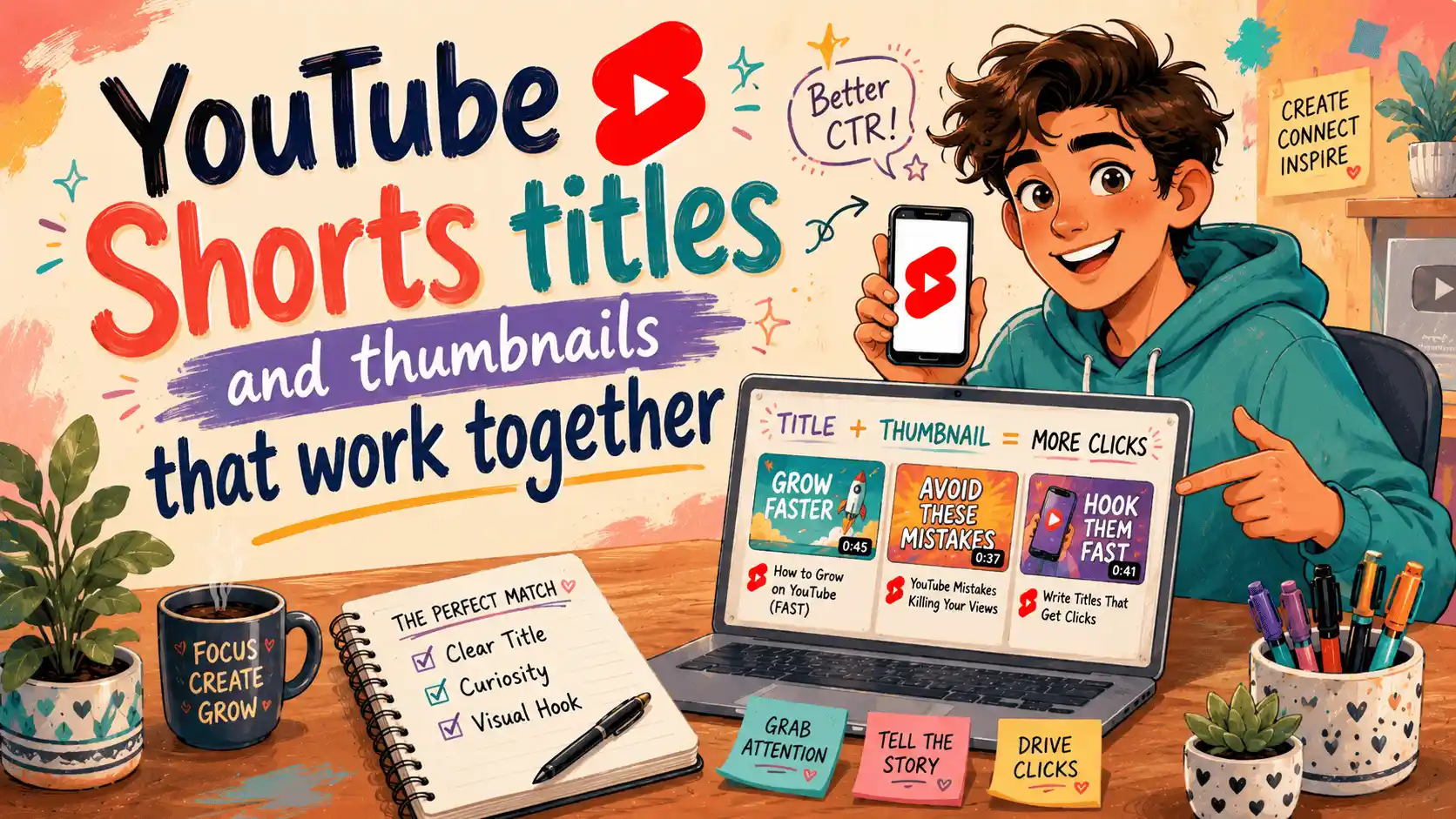
Make the thumbnail and title divide the work
Do not repeat the exact same phrase in both places. The image can show the subject or result while the title adds context. Together they should explain the click without becoming a noisy poster.
YouTube's own help notes that Shorts thumbnail editing is handled in the mobile app rather than Studio in some workflows, so plan the selectable frame during production.
Preview beyond the Shorts feed
Shorts can surface in search, channel pages, subscriptions and other YouTube surfaces. A title and thumbnail may matter more outside the full-screen swipe feed than they do inside it.
Use the free title and thumbnail preview to test the pair at card size, then check the actual upload screen before publishing.
Final title checklist
- Stay within 100 characters
- Place the main noun early
- Avoid claims the video cannot prove
- Remove filler words
- Read the title beside the thumbnail, not in an isolated text box
Stay within 100 characters, place the main noun early, avoid claims the video cannot prove, remove filler and read the title beside the thumbnail—not in an isolated text box.
Check safe zones, aspect ratios, subtitle timing and publishing copy in your browser—without creating an account.
Browse free tools →Sources and update notes
Platform behavior changes. Exact product specifications in this guide were checked against the following first-party documentation on August 4, 2026.