
Automatic Video Captions, Synced Word by Word
Generate word-synced captions, style readable text, trim clips and mix background music in a focused browser-based video editor.
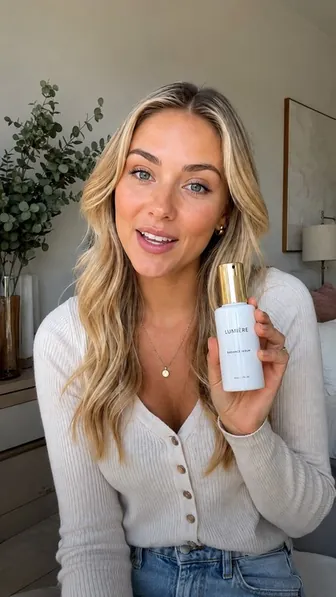
Speech transcription
Postelk produces word-level timing so captions follow the spoken delivery.
Readable line building
Caption groups are measured and wrapped for the vertical canvas instead of overflowing the frame.
Caption styling
Choose typography, color, emphasis and placement while previewing the composition.
Music mixing
Add a background track and balance it under the voice before rendering.
A short-form editor with fewer moving parts
The editor is deliberately narrower than a general-purpose NLE. It focuses on the jobs short-form teams repeat: trim, caption, frame, mix and export.


What the video editor is for
It is a browser timeline editor built for short-form video: trim the clip, add word-synced captions, drop music underneath and style the text so it matches your brand.
The point is that editing and publishing live in the same place. When the edit is finished you do not export, download and re-upload it somewhere else — the video is already in your library, ready to schedule.
How a typical edit goes
- 1
Bring in the clip
Upload a file or pull one out of your render library.
- 2
Trim and arrange
Cut the dead air at the start, split where you need to, drag clips on the timeline until the pacing is right.
- 3
Generate captions
Captions are transcribed and synced word by word, then you correct anything the transcription misheard.
- 4
Style the text
Choose the font, colour, outline and position. Presets keep a series consistent instead of restyling every video.
- 5
Add music and adjust levels
Drop a track underneath and balance it against the voice.
- 6
Render and schedule
Export at 1080x1920, 30 fps. The finished file lands in the library where publishing picks it up.
Where the output fits
TikTok
Captions matter most here — a large share of viewing happens with sound off.
Instagram Reels
Styled captions and consistent fonts help a profile read as a brand.
YouTube Shorts
Word-synced text keeps retention up in the first three seconds.
Everywhere else
The same 9:16 export works on Facebook, Threads, Pinterest and Bluesky.
Questions people ask
Do I need to install anything?
No. The editor runs in the browser; rendering happens on our servers.
Are captions automatic?
Yes, they are generated and word-synced for you, and you can edit any word before rendering.
Can I reuse a caption style?
Yes. Save a style and apply it to the next video so a series stays visually consistent.